Canva Hacks
for Non-Designers
Step-by-step Canva tutorials for beginners — learn the design basics, the hidden tricks and the AI Tools, and how to create scroll-stopping content that grows your engagement & audience.
$59Launch Special
Ends Sunday at midnight (SAST)
Click Here to Get StartedIncludes your launch-only $97 template bonus.
Launch special ends in
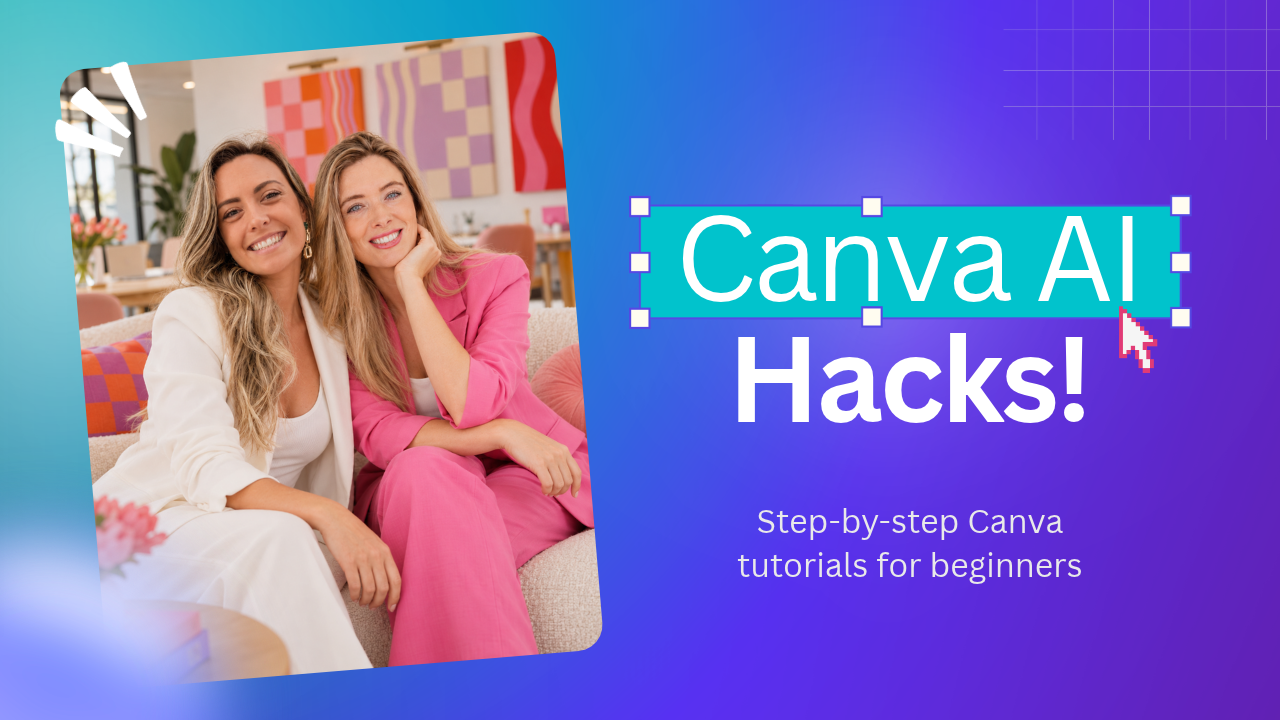 No design degree needed ✌️
Sound familiar?
You see the trend. You love it. But how do you MAKE it?
Creating scroll-stopping content shouldn't take hours of tutorials, endless Googling, or trial and error.
You see a viral Reel and think, “HOW did they do that?”
You spend more time figuring out Canva than actually creating.
You save amazing content ideas… but never figure out how to recreate them.
You know Canva has shortcuts and AI tools, but don't know which ones actually save time.
You want the exact steps, not another 40-minute YouTube tutorial.
By the time you've figured out a trend, everyone's moved on.
What if you could just watch it, learn it, make it?
No guesswork. No wasted hours. Just quick, step-by-step Canva hacks you can use immediately.
Stop saving ideas for “one day”. For $59, learn how to turn them into content you're proud to post.
A sneak peek
The hacks behind the scroll-stoppers
Those "how did she make that?!" posts? Every one of these is done in Canva — in minutes, not hours.
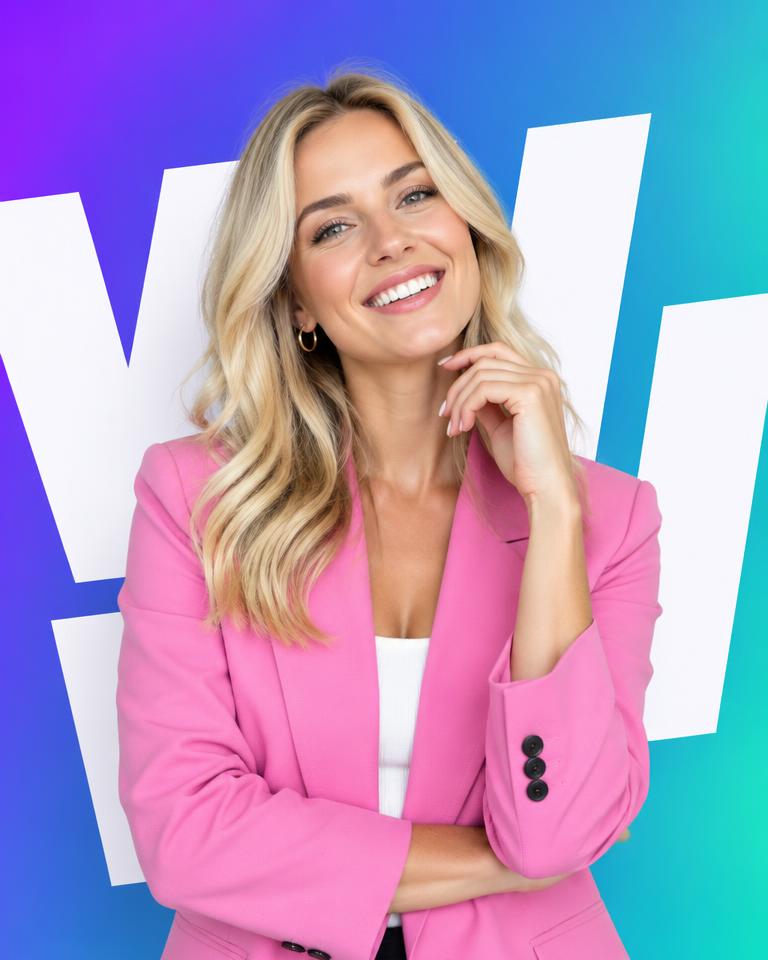 Hack #1
Text behind you
The viral effect where giant words sit behind your head.
 Hack #2
Sticker cut-outs
One-click background remover + outlines for that scrapbook look.
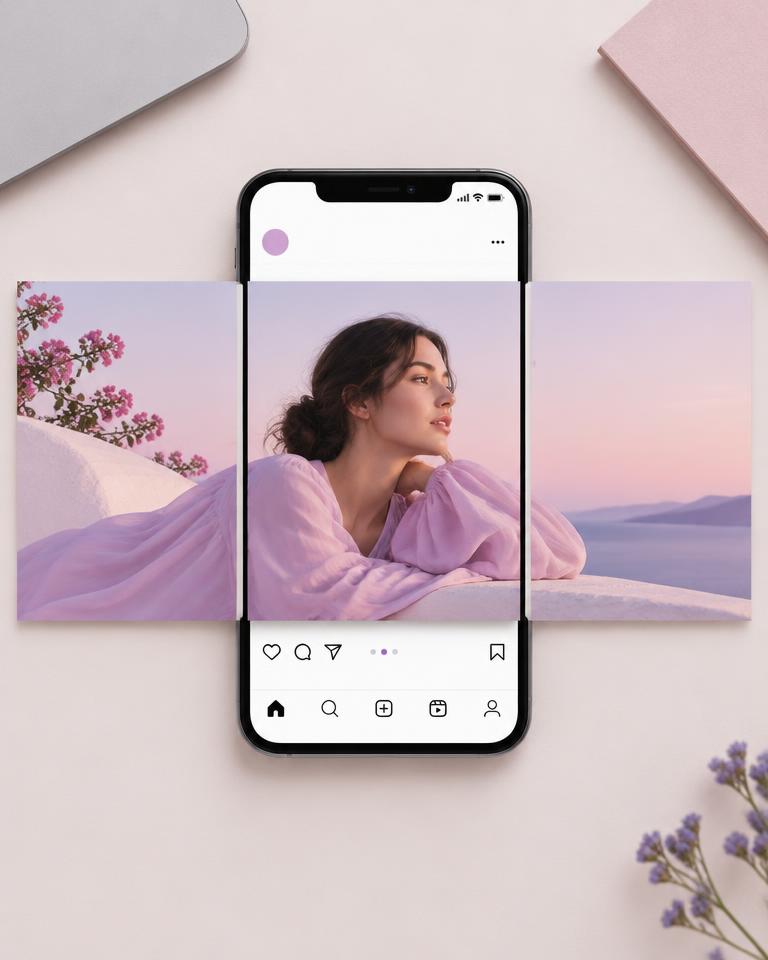 Hack #3
Seamless carousels
One design that flows across every swipe — people keep swiping.
 Hack #4
Pro photo effects
Duotones, grain and light leaks that make phone pics look editorial.
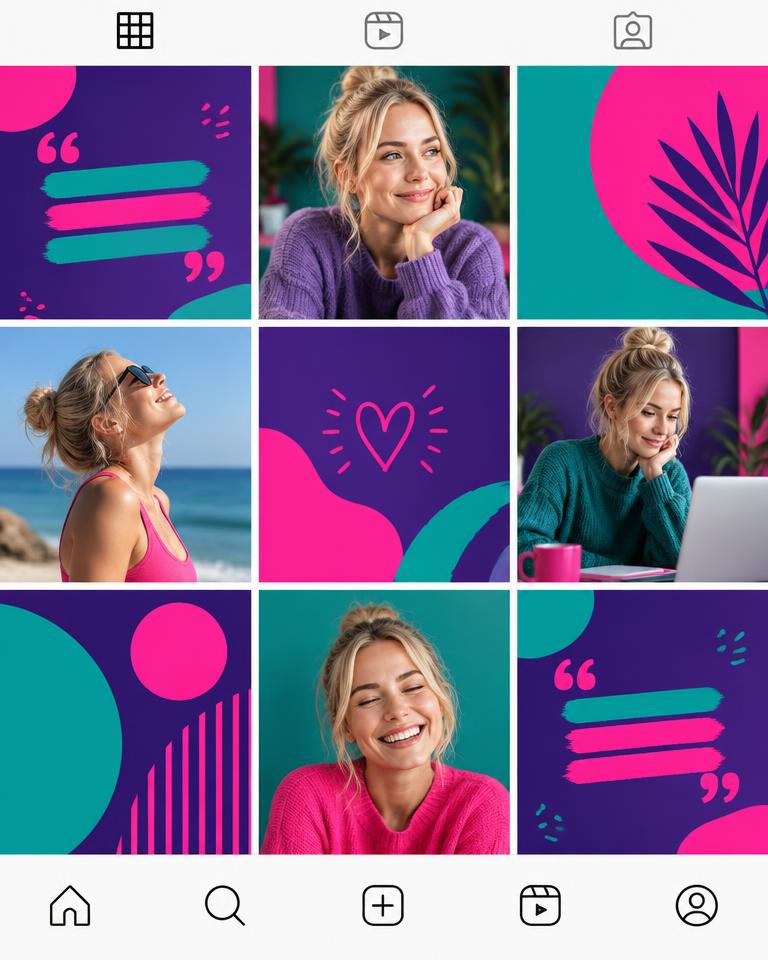 Hack #5
30 days in one go
Bulk Create a whole month of on-brand posts from one template.
 Hack #6
Canva AI magic
Generate scenes, expand photos and edit with a prompt.
Full course + launch-only bonus. Special ends Sunday at midnight (SAST).
What's inside
5 bite-sized modules + a bonus. Zero overwhelm.
From “where do I even start?” to “I made that!” — build your design confidence, create content that connects and put your engagement to work. All included for $59.
Module 01
The Psychology of Social Media
- Pattern Interrupts
- Psychological Hooks
- Identity + Connection
- Gaming the Algorithm
Module 02
Design Basics
- Canva Introduction
- Canva Free vs. Pro
- Navigating Canva
- Brand Kit
- Principles of Design
- Content Types & Formats
- Canva Templates
- Editing Fonts
- Editing Photos & Graphics
- Canva Tips & Tricks
- Exporting
Module 03
Content Creation Walkthroughs
- Carousel Walkthrough
- Reel Walkthrough
- B-Roll Reel Walkthrough
- Story Reel Walkthrough
- Bulk Create 30 Days of Content
Module 04
Canva AI
- Canva AI Tools Overview
- Magic Write for Captions & Copy
- Magic Media: Generate Images & Video
- Magic Edit & Magic Expand
- Magic Grab & Background Remover
- Magic Switch: Resize & Translate
Module 05
Canva Hacks
- Text Behind Subject Effect
- Sticker Cut-Outs & Outlines
- Seamless Carousels
- Pro Photo Effects & Duotones
- Animations & Match & Move
- Hidden Shortcuts That Save Hours
Bonus module
Automate Your Engagement
ManyChat flows that do the follow-up for you — so every comment, story reply and DM has somewhere to go.
- Grow Your Following on Autopilot
- Turn Comments Into Leads
- Sell in the DMs While You Sleep
- DM Flows That Feel Human
Worth
$97
Launch-only bonus
Viral Social Media Canva Templates
Plug-and-play carousel, Reel cover and Story templates based on formats that actually get shared. Drop in your brand kit and you're posting in minutes.
Your launch perk: a $97 template pack included with your $59 course. Grab the offer before Sunday at midnight (SAST) to claim it.
- Carousel templates
- Reel cover + B-roll text overlays
- Story templates
- Fully editable in Canva
This is for you if…
Launch special · ends Sunday at midnight (SAST)
Your next “I made that!” starts here.
You don't need to become a designer. You need the steps, the shortcuts and a little confidence to hit post. Get the full Canva Hacks for Non-Designers course for just $59 — plus your launch-only Viral Social Media Canva Templates ($97 value).
Grab the full courseDon't leave it in your saved folder. Claim your special + bonus while this launch window is open.
Launch special · Exclusive bonus included
Get the full course